Guide · 6 finds

Work From Home Setup Finds

Work-from-home picks: a sit-stand desk, a monitor that doubles as a TV, a 360° phone stand, a keyboard for phone, laptop and TV, and a laptop sleeve.

  1. No. 27
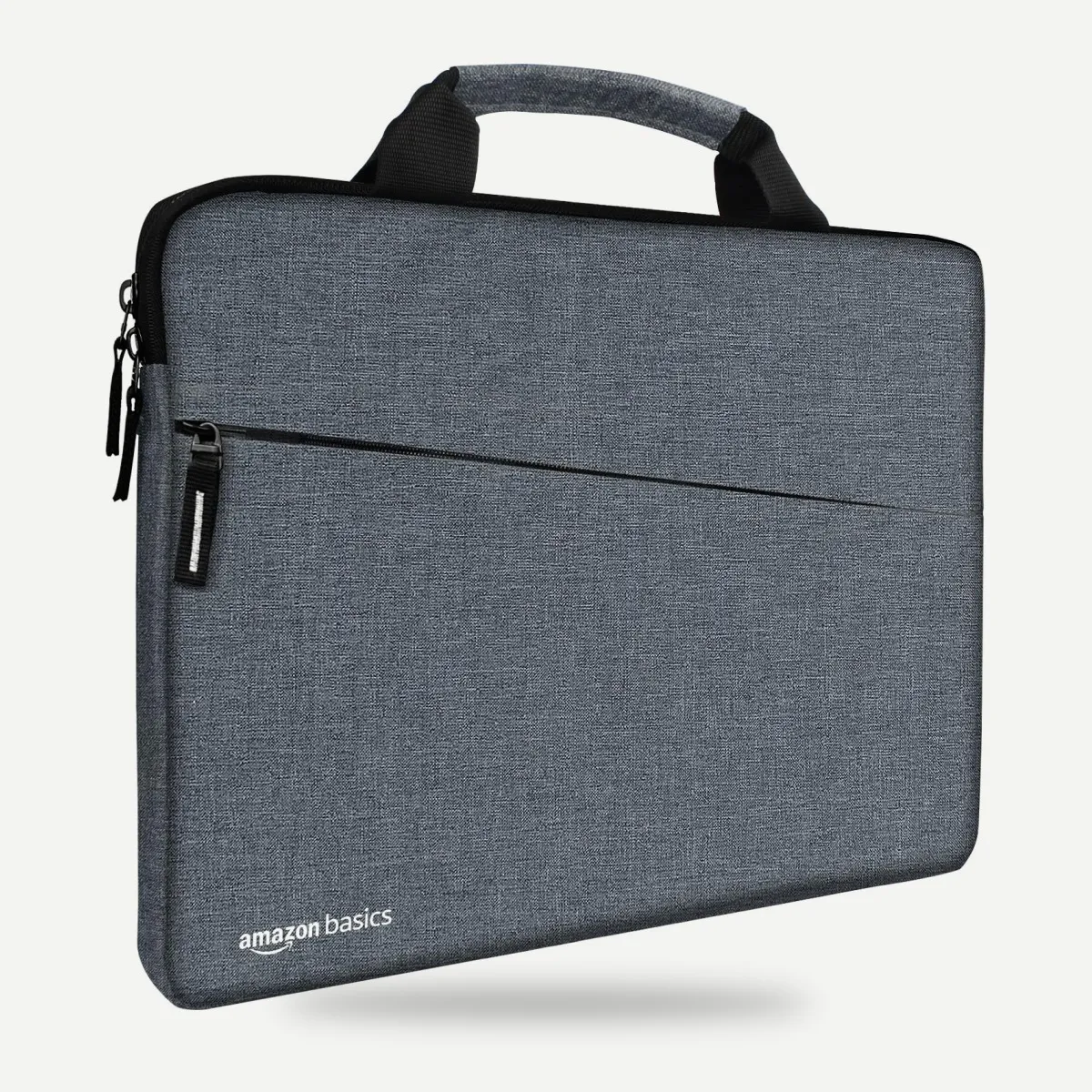
    Best Budget Laptop Sleeve: Amazon Basics with Handle (14.1" / 15.6")

    Best budget sleeve

    Best Budget Laptop Sleeve: Amazon Basics with Handle (14.1" / 15.6")

    A cheap, slim way to stop scratches: slide the laptop in, zip it shut, carry it by the handle or drop it into your backpack.

  2. No. 16
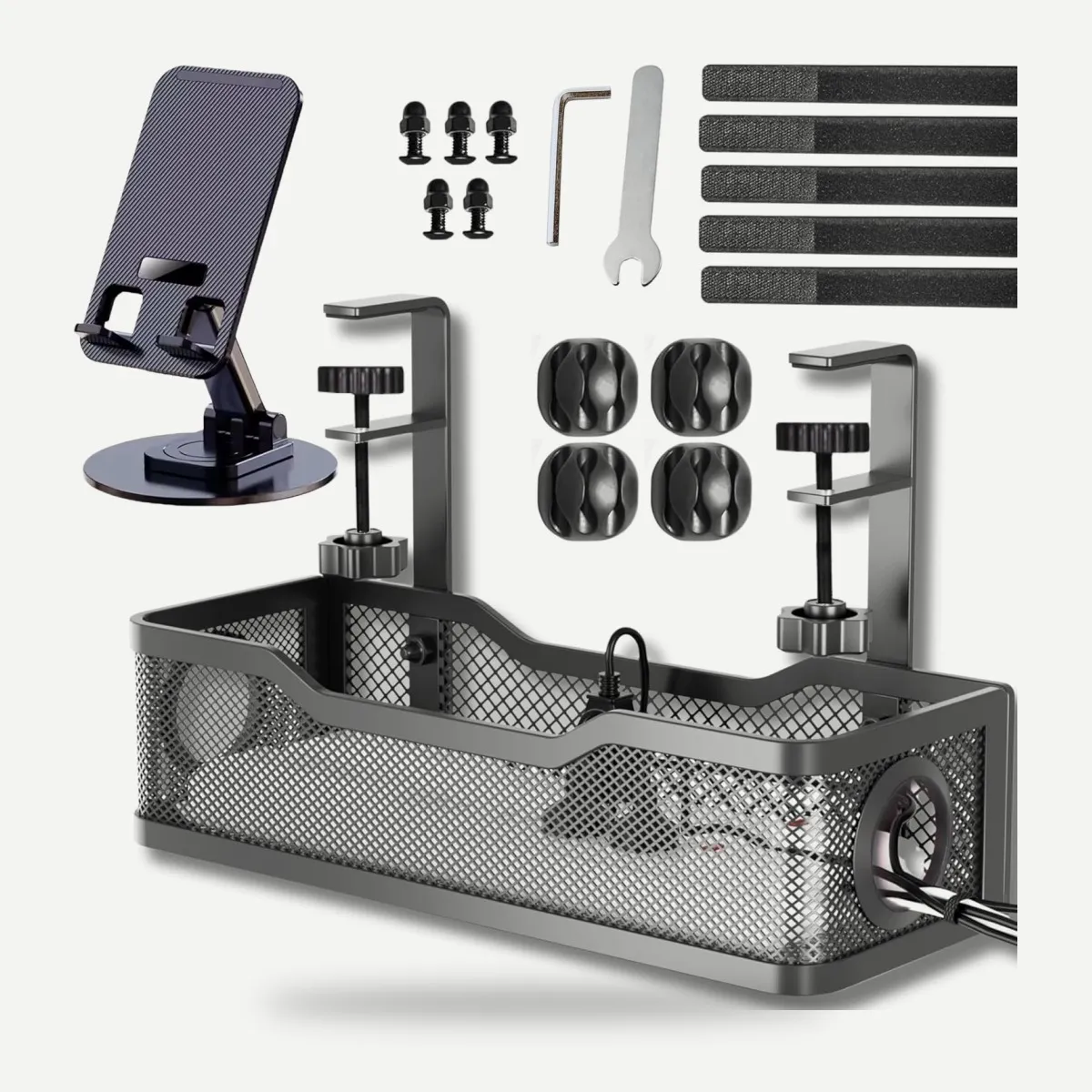
    Joomouney Under-Desk Cable Tray (No-Drill Clamp Mount)

    No drill

    Joomouney Under-Desk Cable Tray (No-Drill Clamp Mount)

    A clamp-on metal tray that gets the extension board and every charger off the floor and out of sight, without a single hole in your desk.

  3. No. 15
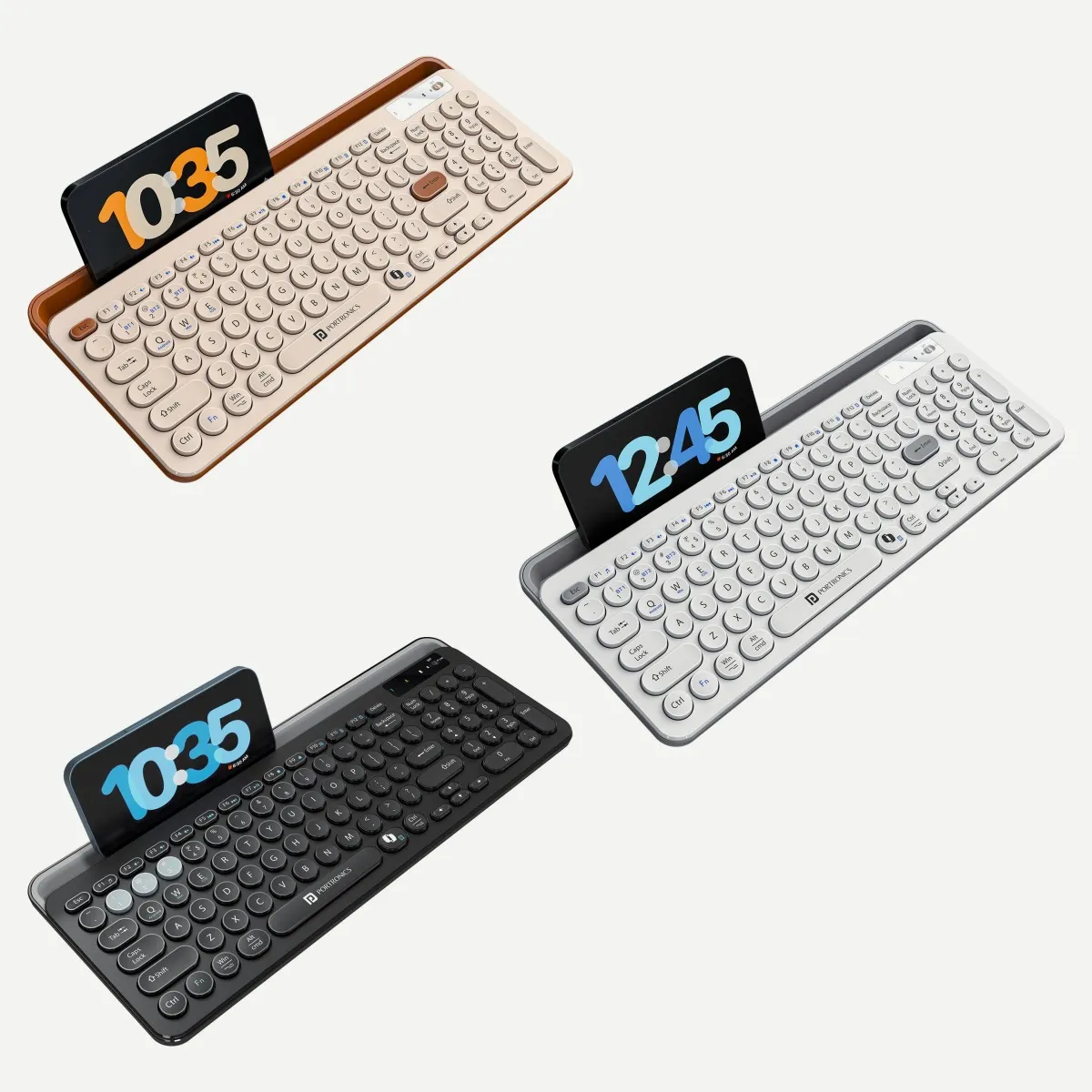
    Portronics Bubble 3.0 Multi-Device Wireless Keyboard

    3 colours

    Portronics Bubble 3.0 Multi-Device Wireless Keyboard

    A full-size keyboard that switches between your phone, laptop and TV with one button, and holds your phone while you type.

  4. No. 14
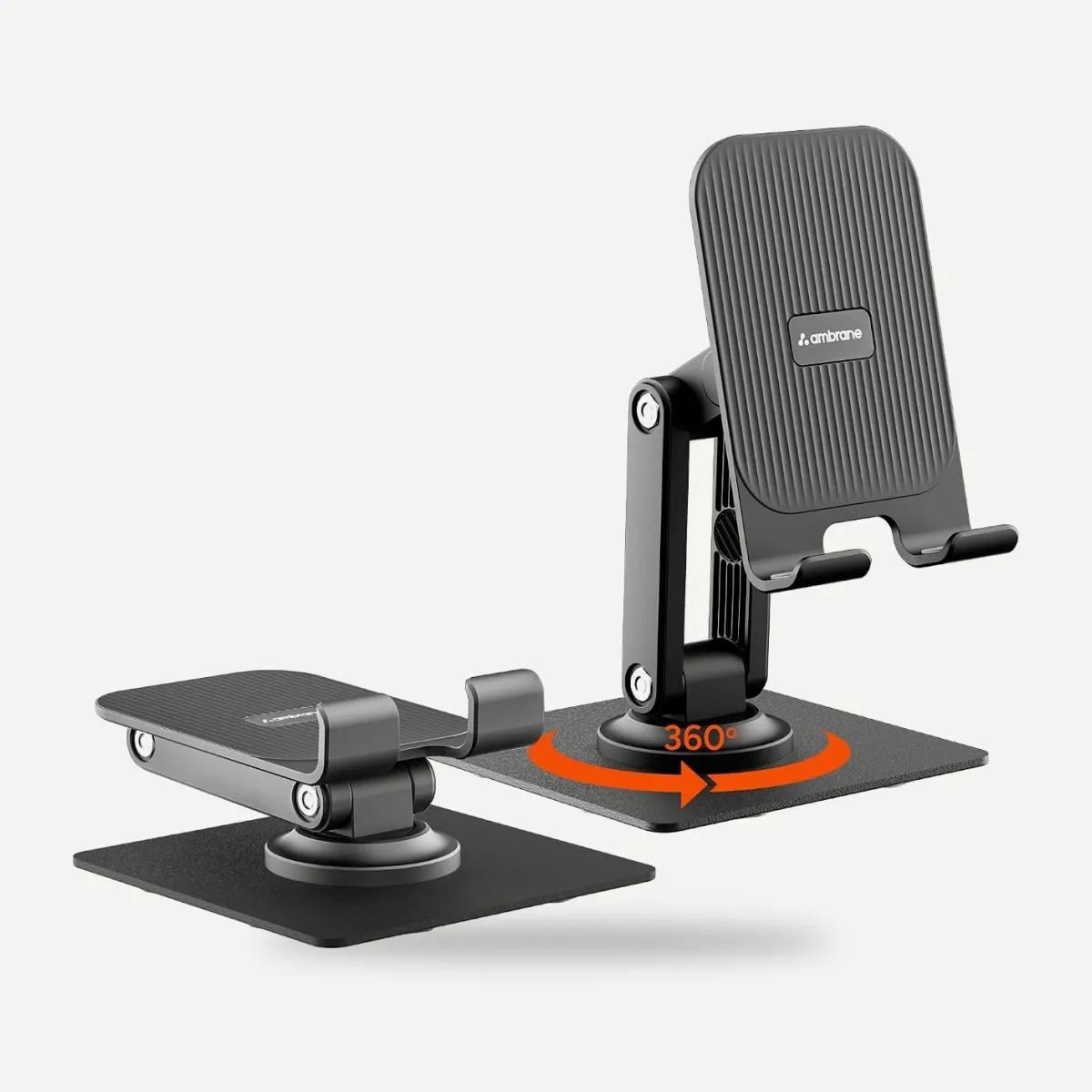
    Ambrane Twistand 360 Foldable Mobile Stand

    Budget pick

    Ambrane Twistand 360 Foldable Mobile Stand

    A small, cheap fix for a sore neck: put the phone at eye level and keep your hands free.

  5. No. 3
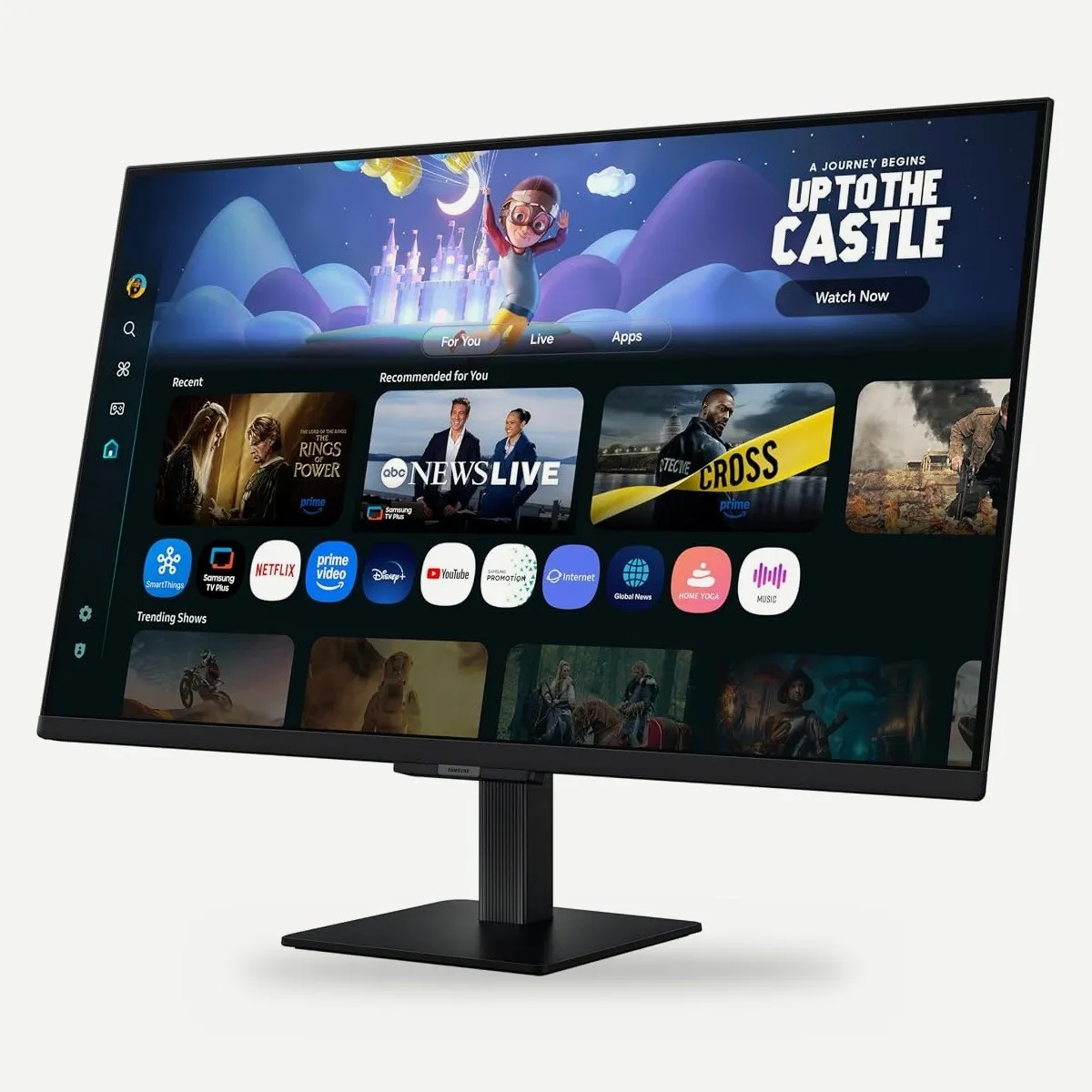
    Samsung 32-inch M5 Smart Monitor (FHD, LS32FM500EWXXL)

    Owner pick

    Samsung 32-inch M5 Smart Monitor (FHD, LS32FM500EWXXL)

    A work monitor by day and a smart TV by night. One screen does both jobs.

  6. No. 2
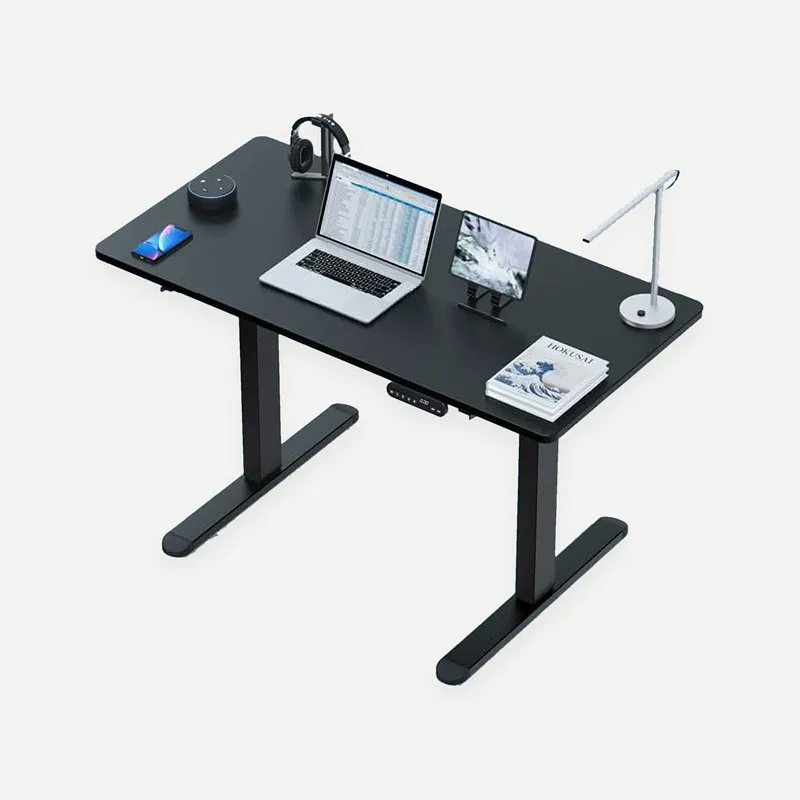
    The Sleep Company AeroPlus Desk

    WFH pick

    The Sleep Company AeroPlus Desk

    An electric sit-stand desk that makes switching between sitting and standing one press.

A good work-from-home setup comes down to the things you use all day: where you sit, what you look at, where your phone sits, what you type on and how your laptop travels.

The desk

The Sleep Company AeroPlus is an electric sit-stand desk with a 120 × 60 cm top and 4 memory presets, so switching between sitting and standing takes one press. Standing for part of the day is easier on your back than 8 hours in a chair. Note that it’s the desk only.

The screen

The Samsung M5 32-inch Smart Monitor is a work monitor while your laptop is plugged in. Unplug it and it’s a TV with Netflix, Prime Video, JioHotstar and YouTube built in. It’s ideal if you have room or budget for only one screen.

The phone stand

The Ambrane Twistand 360 holds your phone at eye level for video calls, reels or a match, and its base spins all the way round. It folds flat, weighs about 110 g, and lets the phone charge while it stands. It’s the cheapest fix on this page for a stiff neck.

The keyboard

The Portronics Bubble 3.0 pairs with up to four devices, so the same keyboard types on your laptop, your phone and your smart TV. A slot along the top holds a phone or tablet, and it charges over Type-C. It comes in beige, white and black. It’s full size with a numpad, so give it a proper desk.

The laptop sleeve

Our best budget laptop sleeve, the Amazon Basics laptop sleeve, keeps your laptop from getting scratched on the way to office or college. It’s padded inside, water-repellent outside, and has a front pocket for the charger and a handle on top. Pick 14.1” for laptops up to 14 inches (MacBook Air 13”, MacBook Pro 14”) or 15.6” for 15–15.6-inch laptops.

How to choose

  • Back or neck pain from long days? Start with the desk.
  • Squinting at a laptop and want a TV too? Start with the monitor.
  • Neck sore from looking down at your phone? Start with the stand.
  • Typing on a phone, a laptop and a TV? Start with the keyboard.
  • Put the top of the screen at about eye level, whether you’re sitting or standing.
  • Laptop getting scratched in your backpack? Start with the sleeve.

Questions

Is a sit-stand desk worth it for work from home?

If you work at home most days, switching between sitting and standing is easier on your back than 8 hours in a chair.

Can one screen be a monitor and a TV?

Yes. The Samsung M5 is a monitor when your laptop is plugged in and a smart TV with its own apps when it isn't.

Does a phone stand help with neck pain?

It helps. Holding a phone low makes you bend your neck for hours, and a stand like the Ambrane Twistand 360 lifts the screen towards eye level.

Can one keyboard work with my phone, laptop and TV?

Yes. A multi-device keyboard like the Portronics Bubble 3.0 pairs with several devices and switches between them with one button.

Which laptop sleeve size do I need, 14.1 or 15.6 inch?

Match your screen size: up to 14 inches (MacBook Air 13", MacBook Pro 14") takes a 14.1" sleeve; 15 to 15.6-inch laptops (MacBook Air 15") take a 15.6" sleeve.