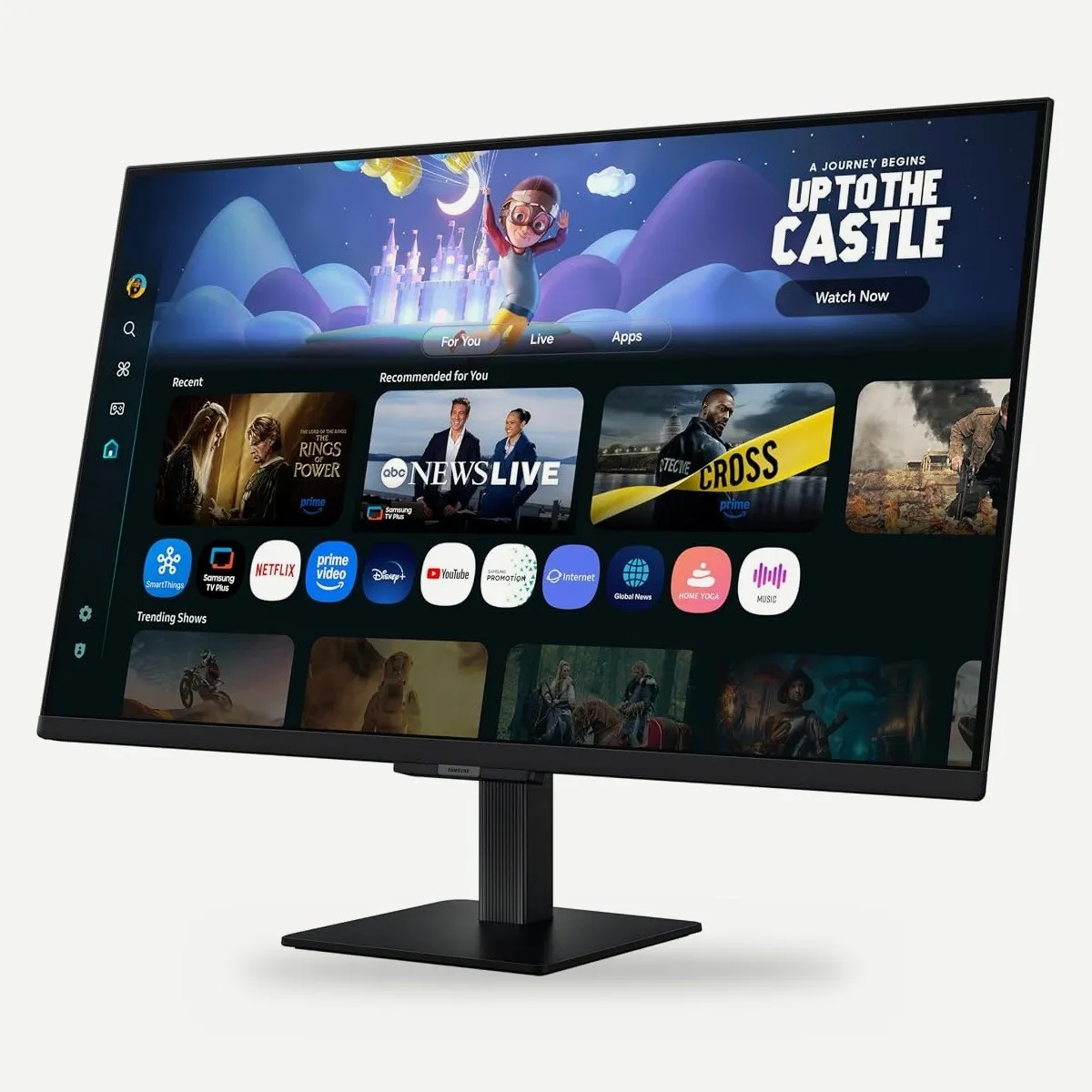
I wanted one screen for office work and for watching, and this is the one I own. Plug in the laptop and it’s my monitor. Pull the cable and it’s a TV, with its own apps and a remote in the box.
Two screens in one
During the day it’s a 32-inch Full HD monitor for spreadsheets, calls and documents. At night, with no laptop connected, it boots into Samsung’s smart TV home screen. Netflix, JioHotstar, Prime Video, ZEE5 and YouTube run on the monitor itself, so you don’t need a laptop or a streaming stick.
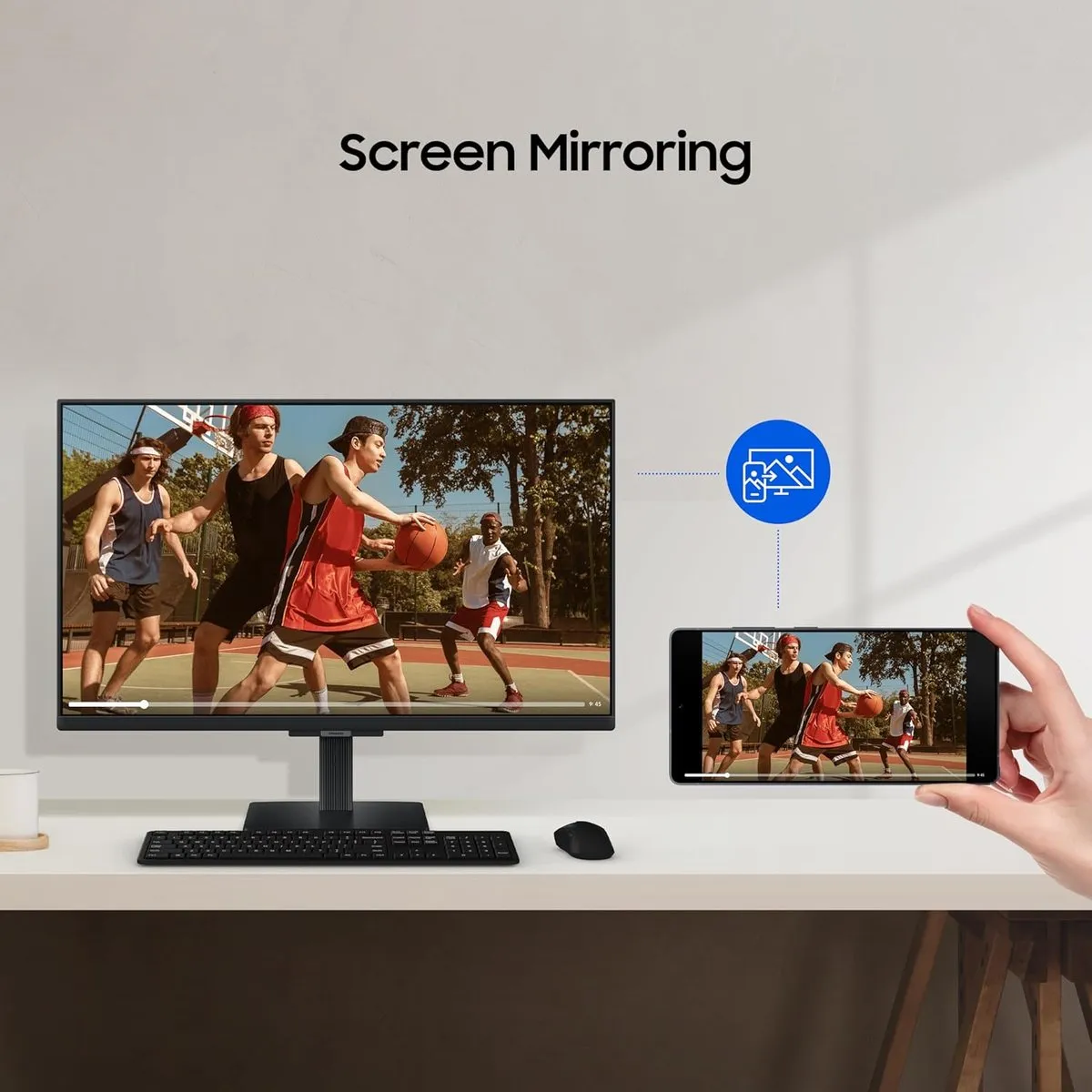
- Phone to big screen: mirror your phone straight to the monitor.
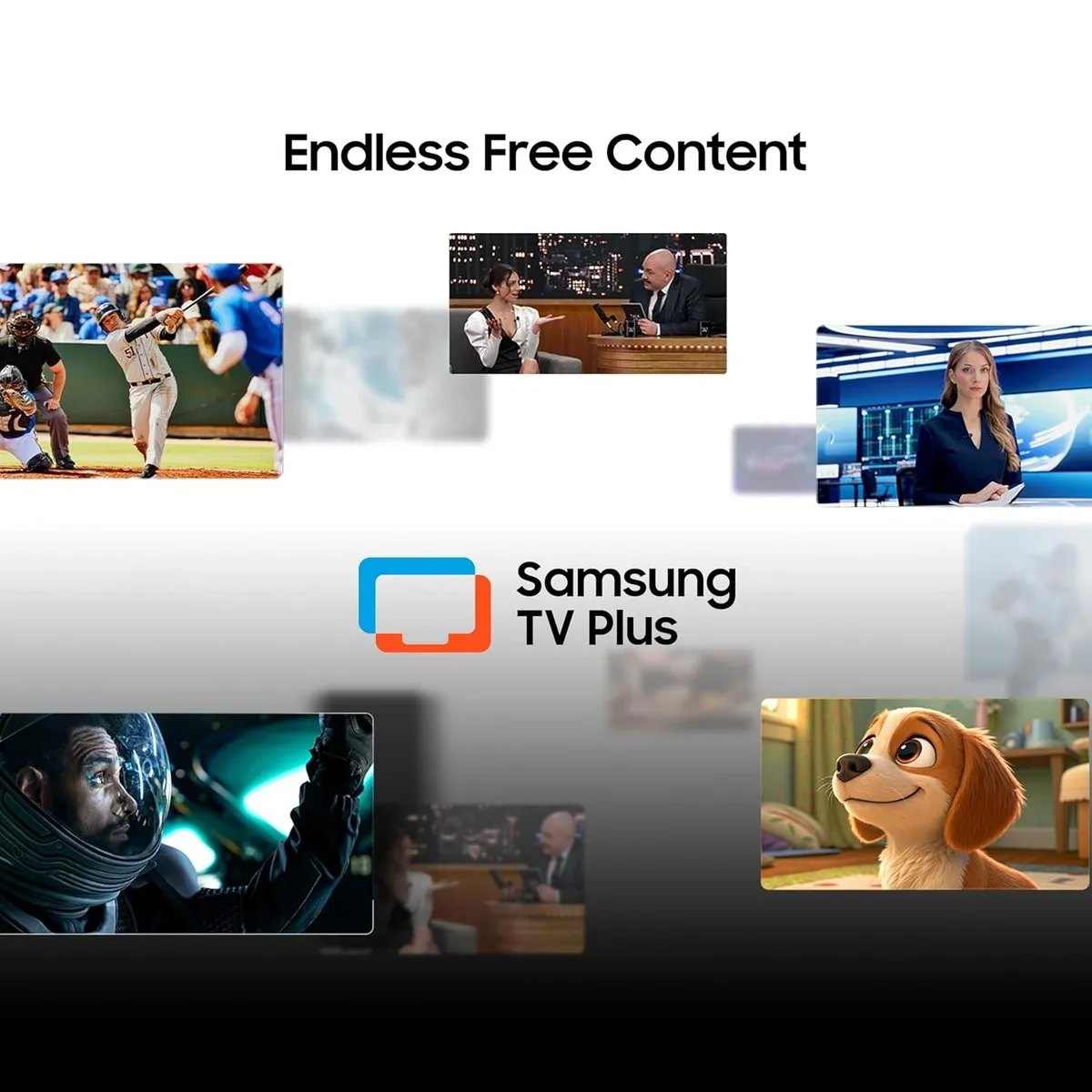
- Free channels too: Samsung TV Plus adds free live channels.
Ports
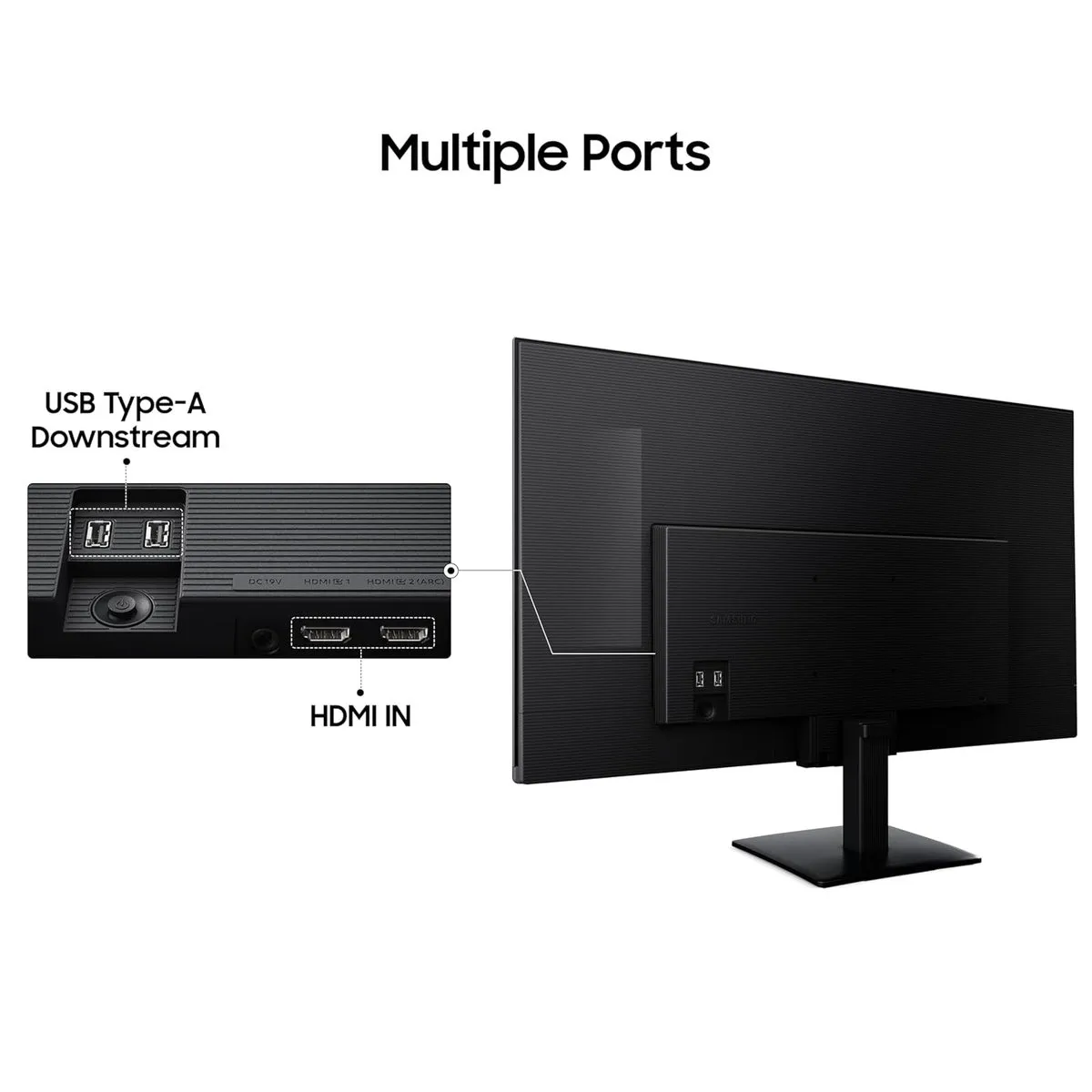
There are 2 HDMI and 2 USB ports, all at the back. That’s enough for a work laptop and a second device such as a console or set-top box.
Picture and sound
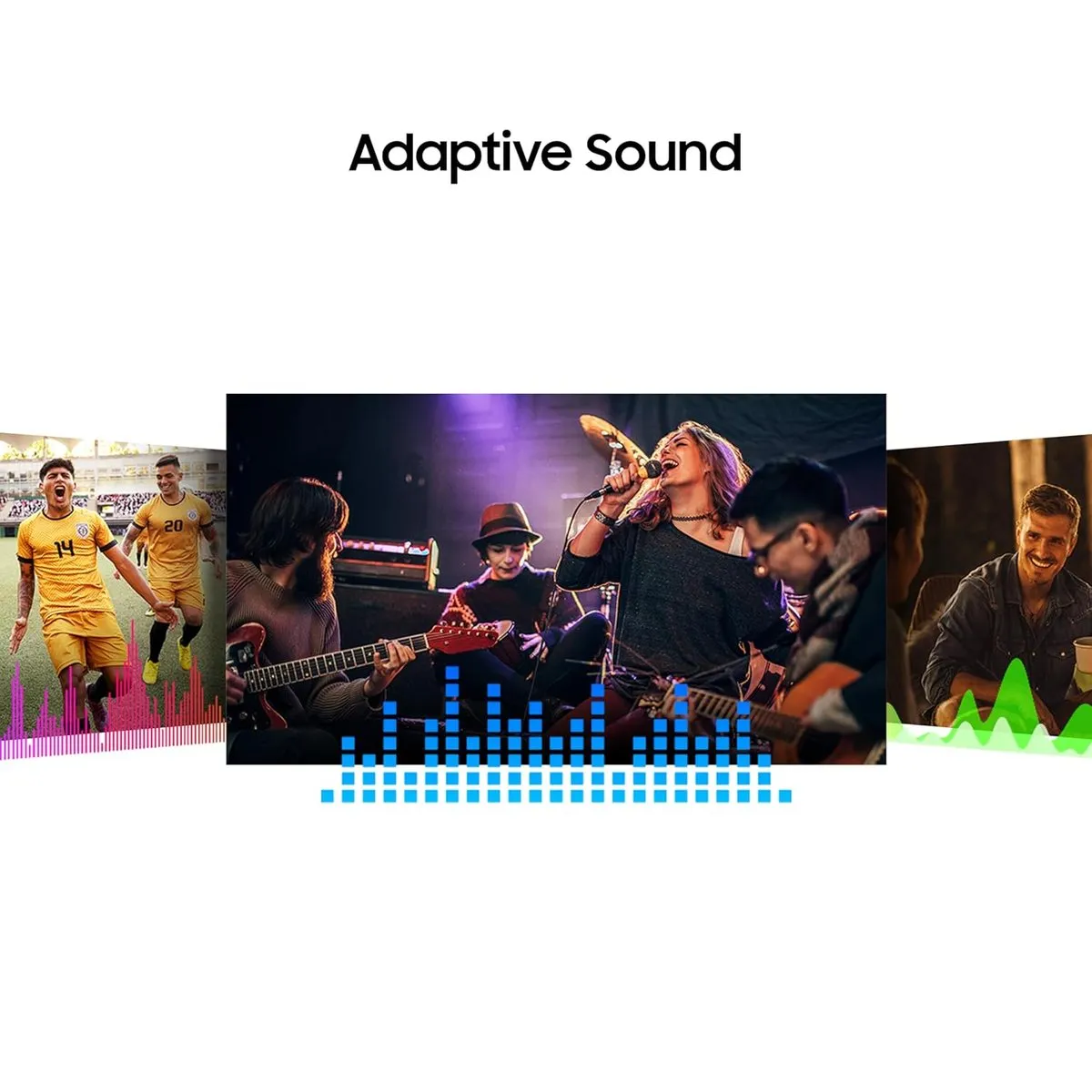
Both are good for the size and price class. The built-in speakers with Adaptive Sound are fine for shows and YouTube, though a soundbar will still beat them for films.
A closer look
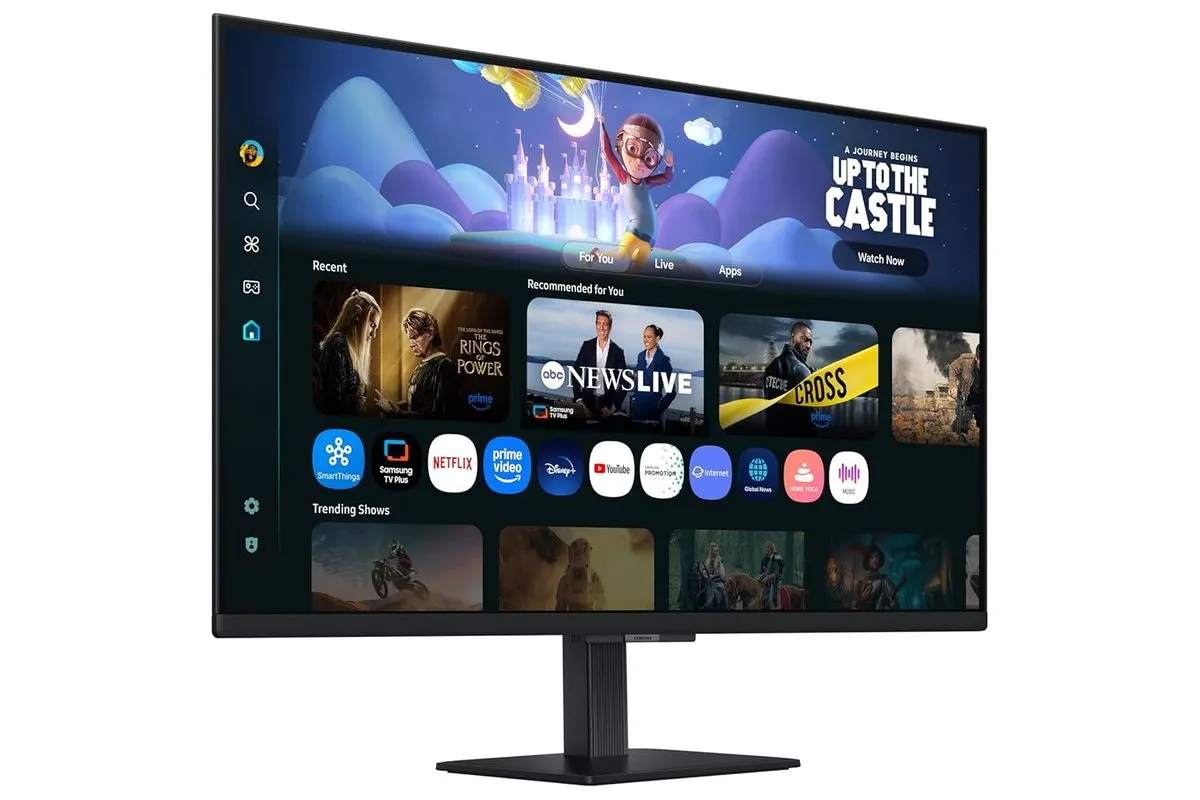
A slim bezel and a simple stand that suits a desk or a TV unit.
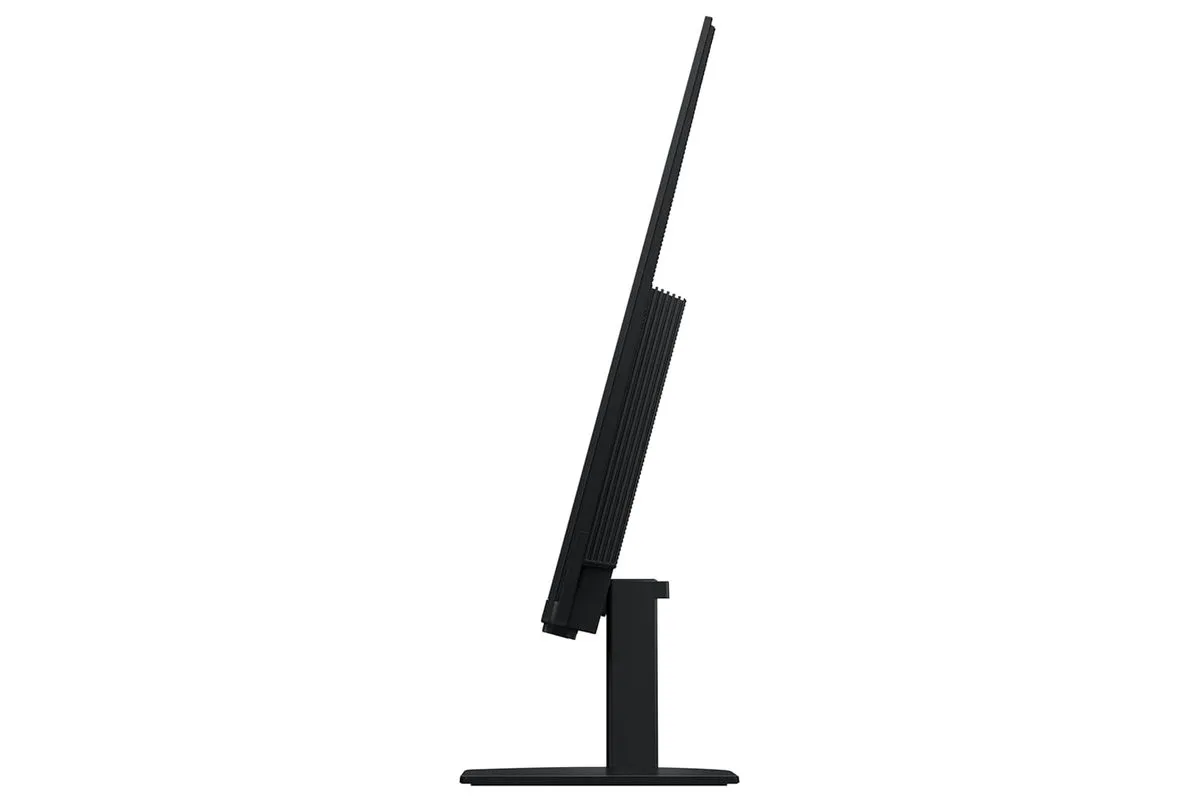
The side profile. It’s thin enough not to dominate a small room.
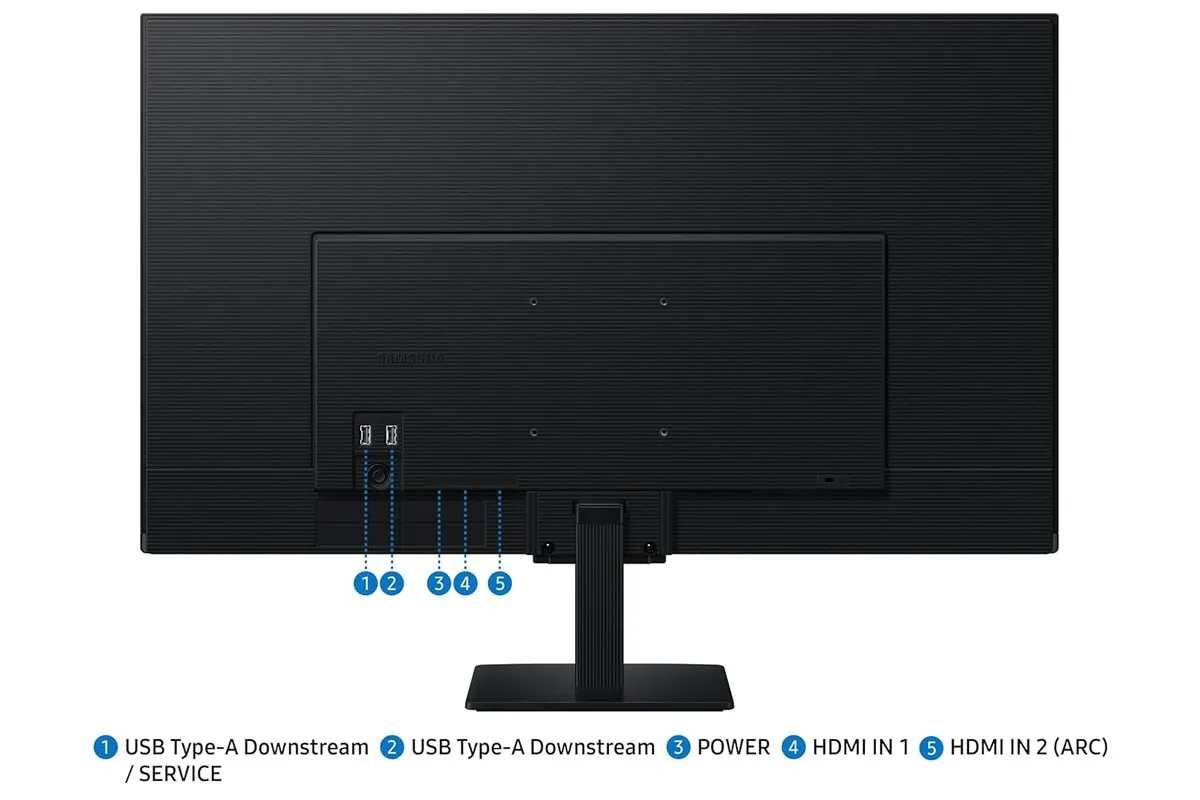
Both HDMI and both USB ports are on the back.
The honest part
This is Full HD on a 32-inch panel. That looks good from a normal TV distance, but up close at a desk, text isn’t as sharp as on a 1440p or 4K monitor. If you do detailed design work, look at higher resolutions. If you want one screen that does work by day and Netflix by night, this is a very easy recommendation.