
Our Short starts with the news: on 21 May 2026, India’s power demand hit an all-time record of about 270 GW, the fourth record day in a row, with night-time power cuts in Delhi, Noida and Chennai. Room ACs are estimated at nearly a quarter of that peak, October 2026 use was about 22% higher than a year earlier, and several states raised tariffs. The real question for your home is simple: which appliance is eating the bill? You can’t answer that without measuring.
What it is
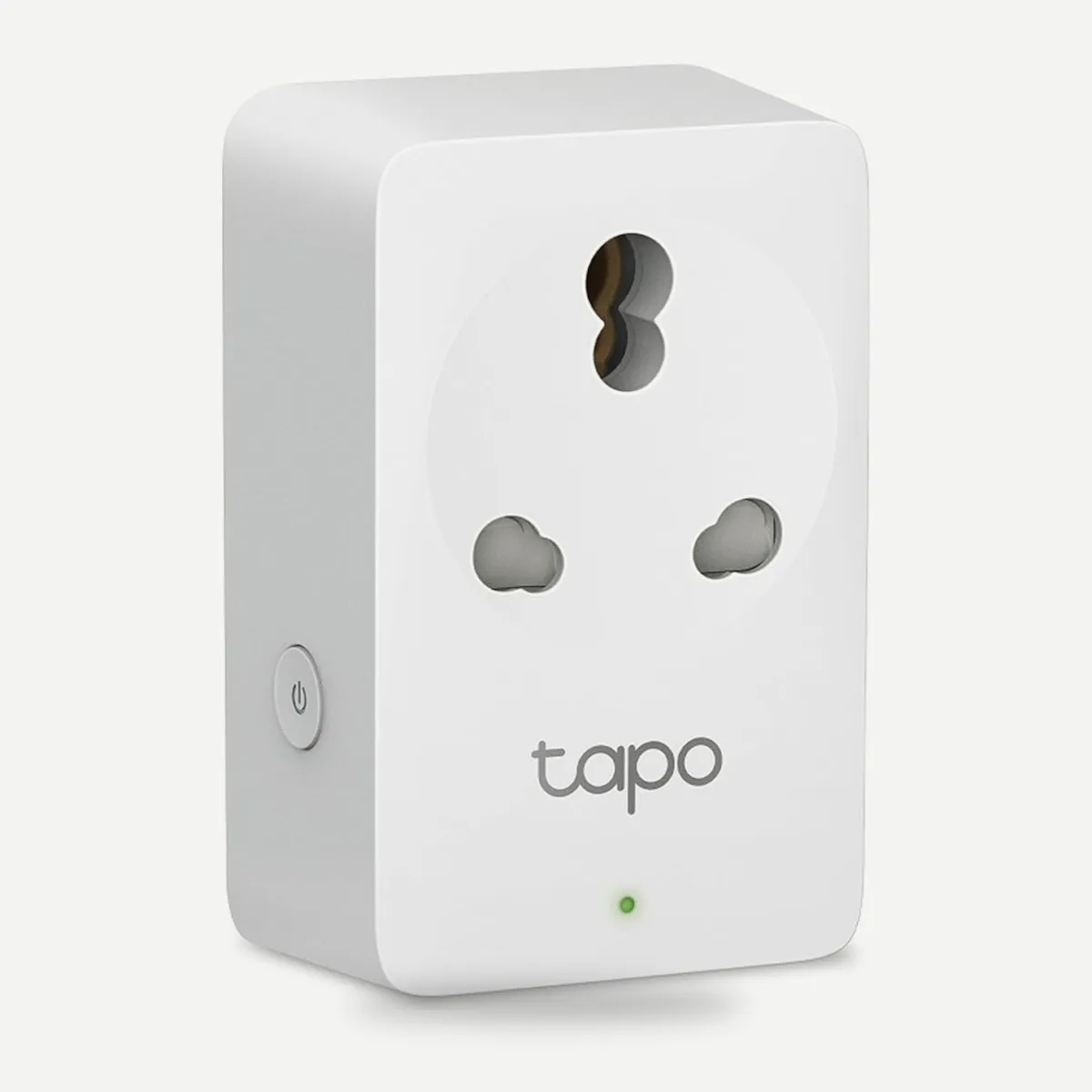
A compact 16A Wi-Fi smart plug from TP-Link’s Tapo range with energy monitoring. Key details from the listing:
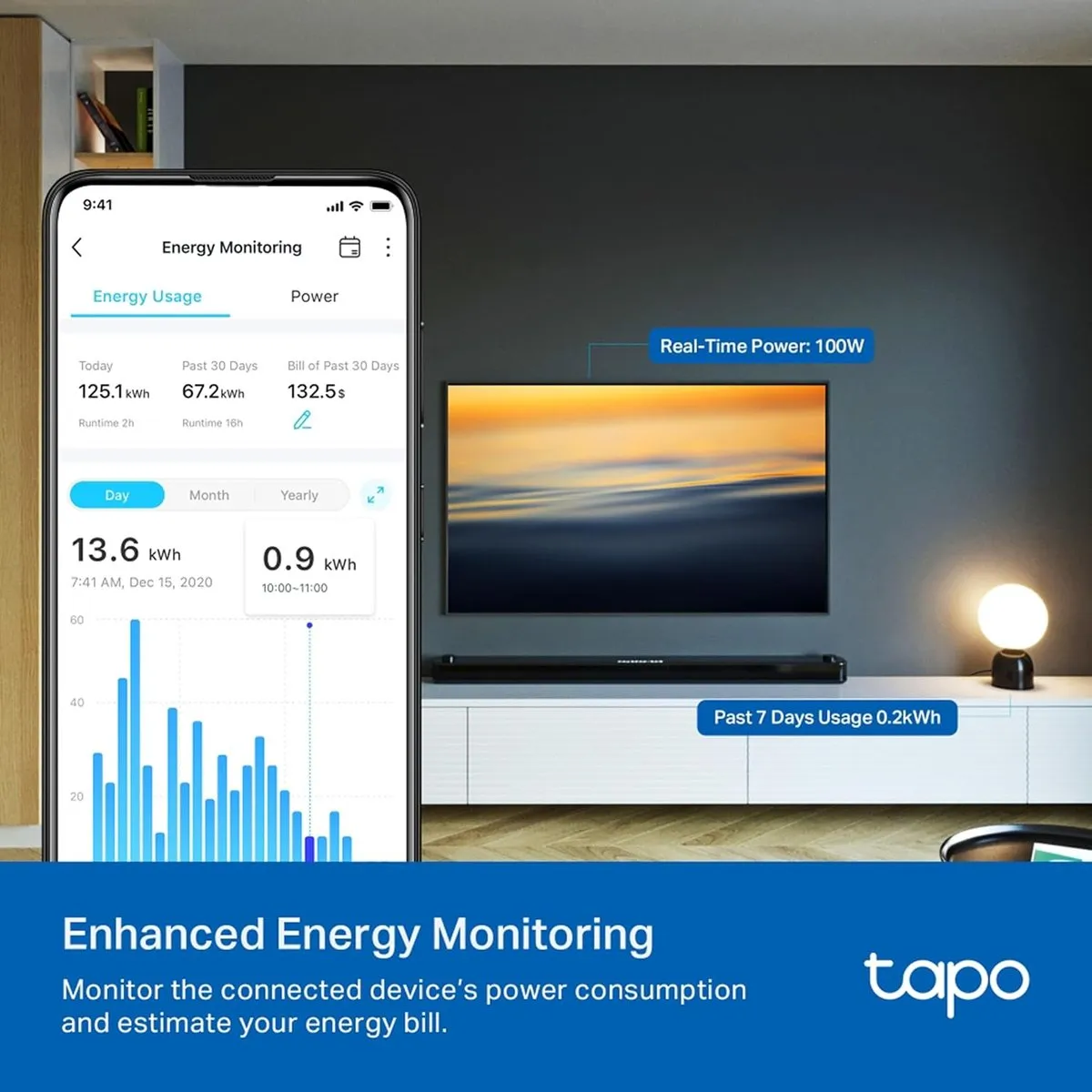
- Energy monitoring: real-time power, units (kWh) per day and month, and an estimated bill in the Tapo app
- 16A socket (max load) with a Type-M 3-prong plug; it takes Type-C, D and M plugs
- Schedules and an auto-off timer, plus remote control and an away mode
- Voice control with Alexa and Google Assistant
- Safety: flame-retardant UL94-V0 casing, overload protection and a child safety shutter
Why it made the list
- It ends the guessing. Plug in the geyser, the TV or the fridge for a few days and you’ll see exactly how many units each one uses.
- The timer does the remembering. Set the geyser or a charger to switch off after a set time, so nothing runs all day by mistake.
- It fits the new daytime tariffs. Madhya Pradesh and Gujarat now give smart-meter homes cheaper daytime power, so a schedule can move heavy loads into those hours.
A closer look
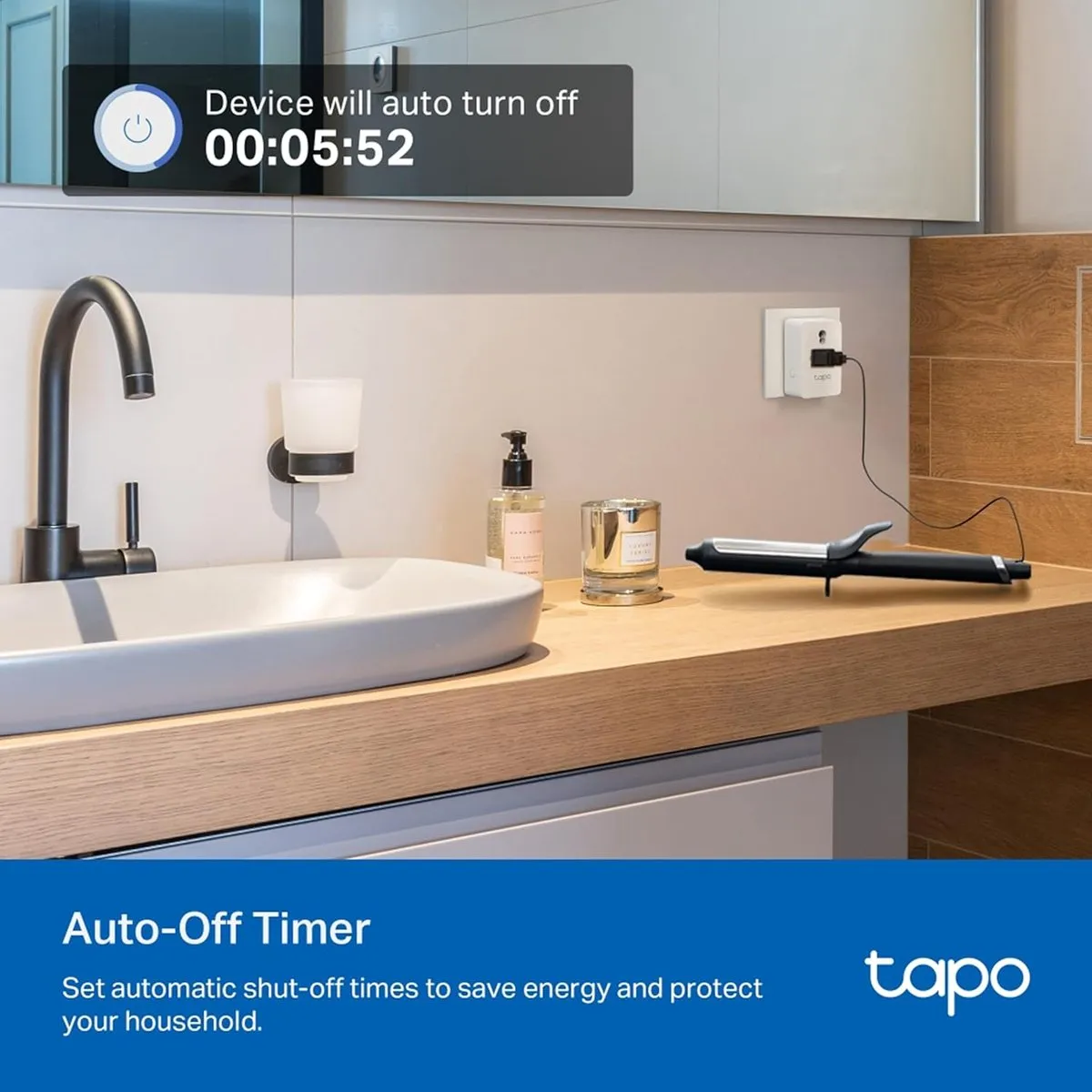
The auto-off timer switches the plugged-in appliance off after a set time.
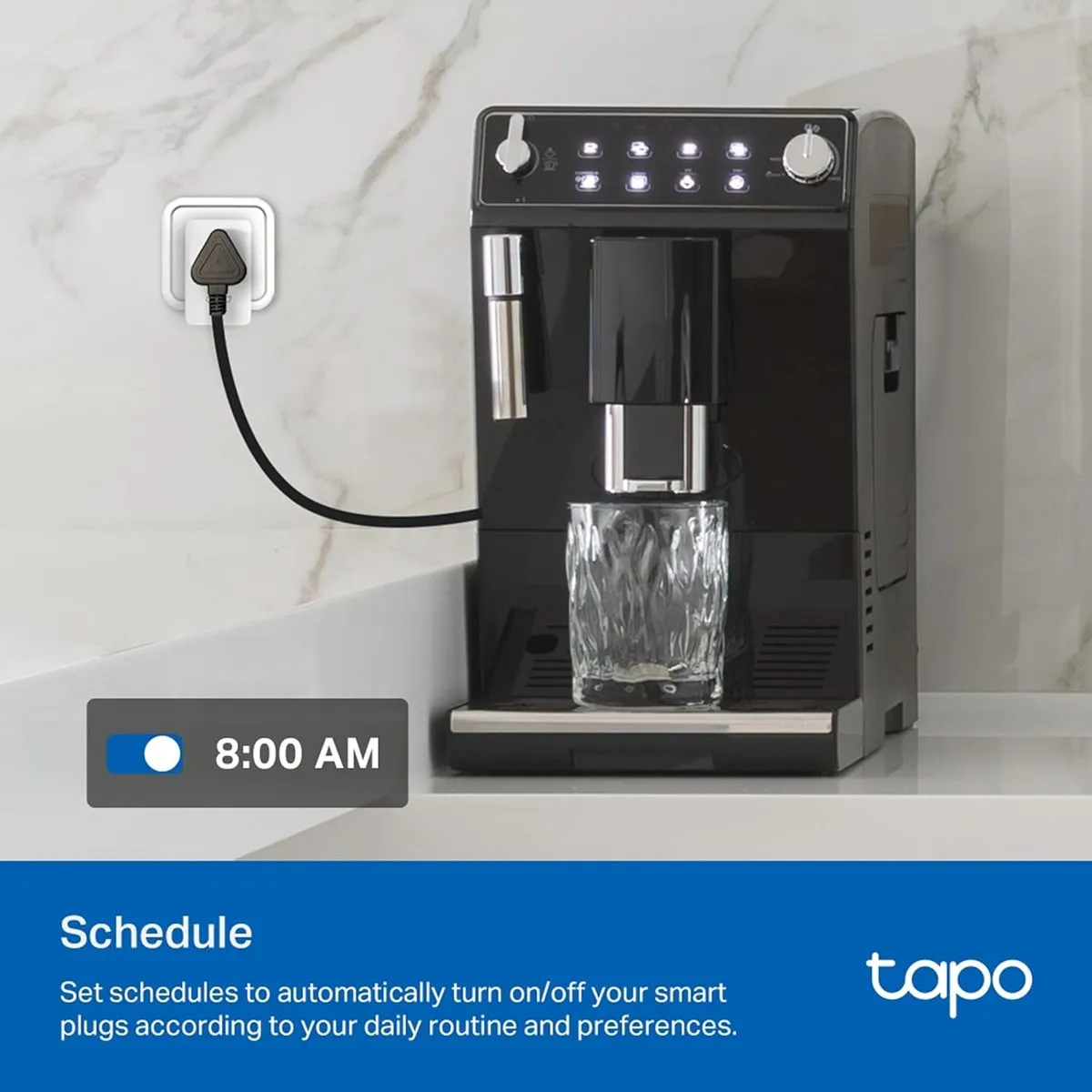
Schedules turn appliances on and off at fixed times every day.
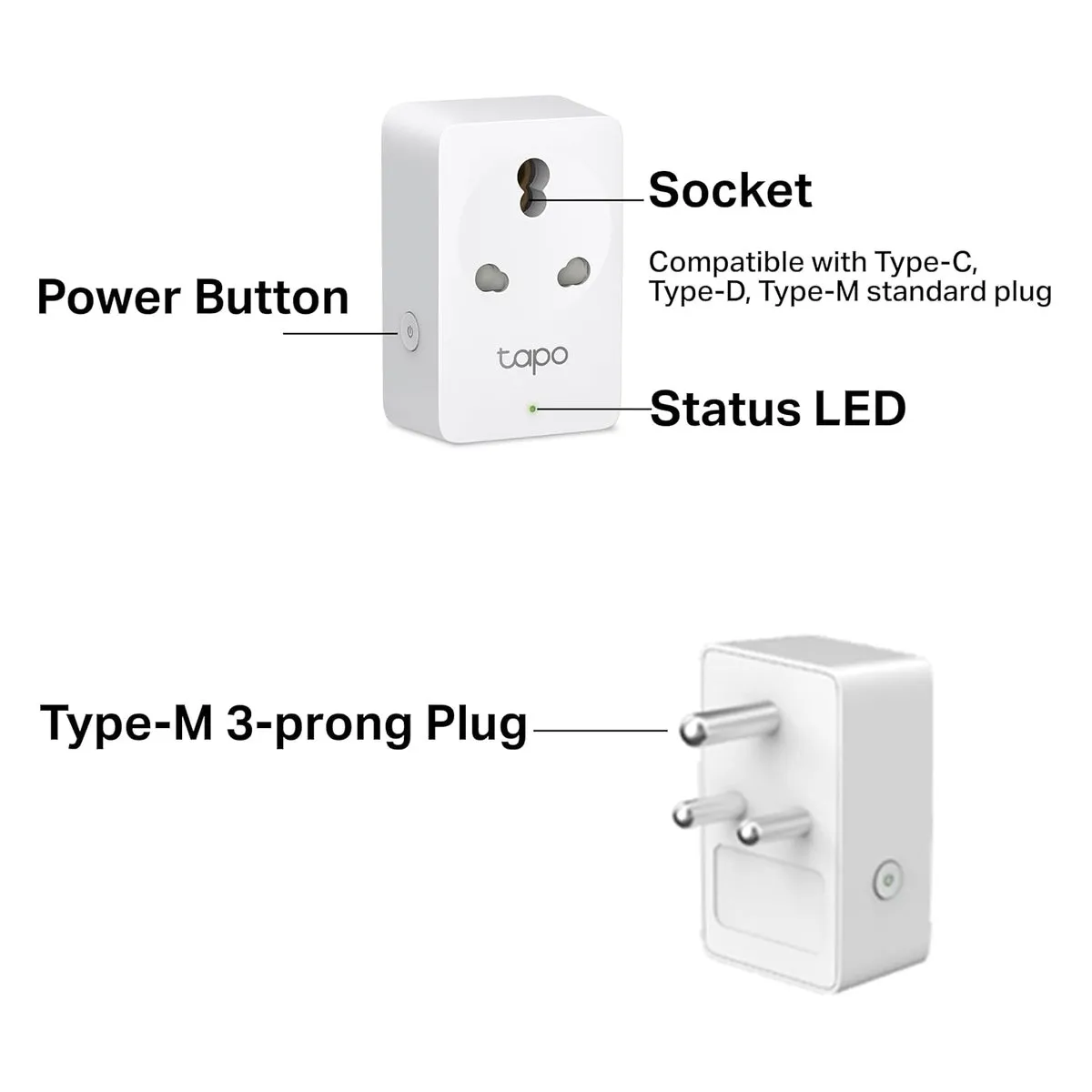
Power button, status LED, the socket and the Type-M 3-prong plug.
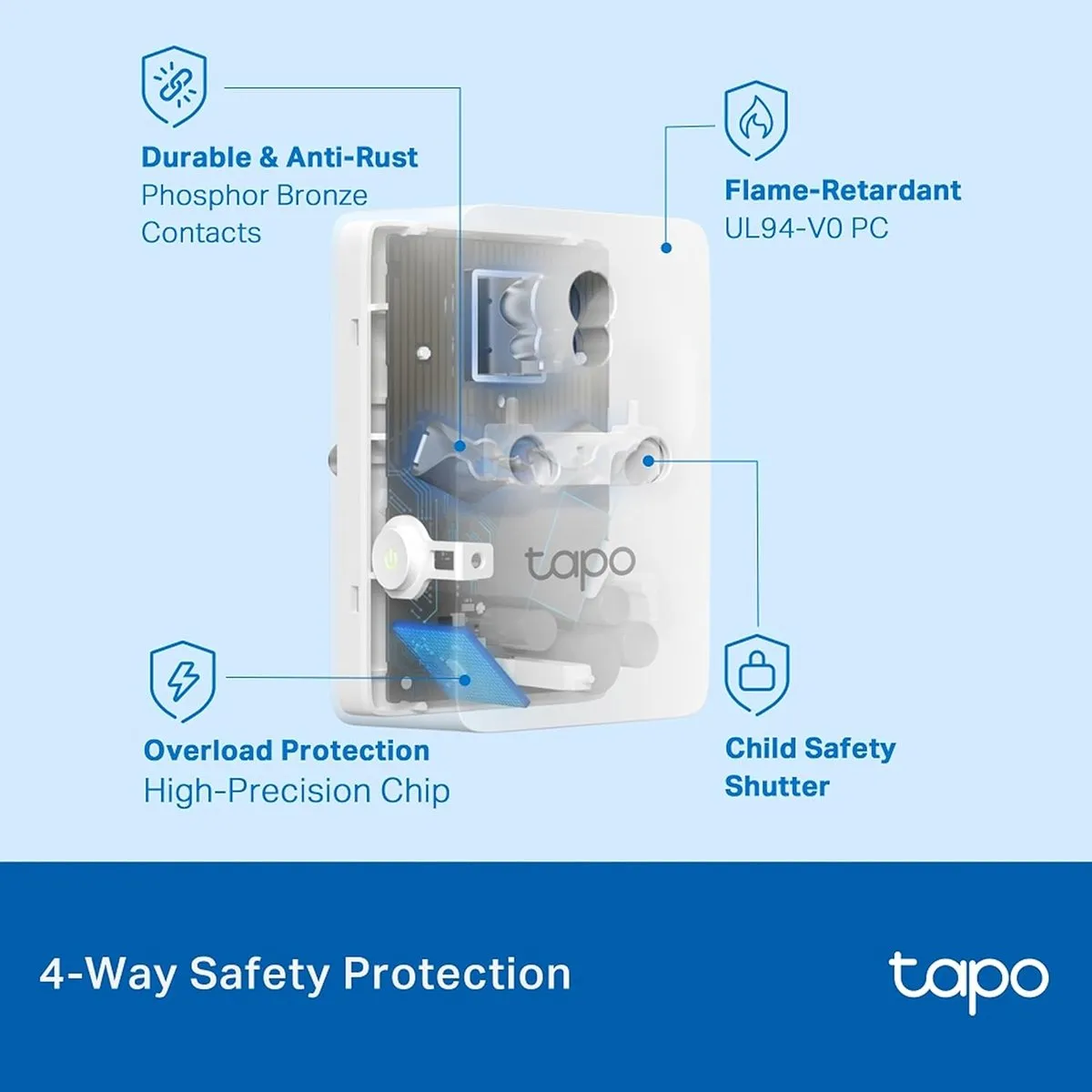
Flame-retardant casing, overload protection, anti-rust contacts and a child safety shutter.
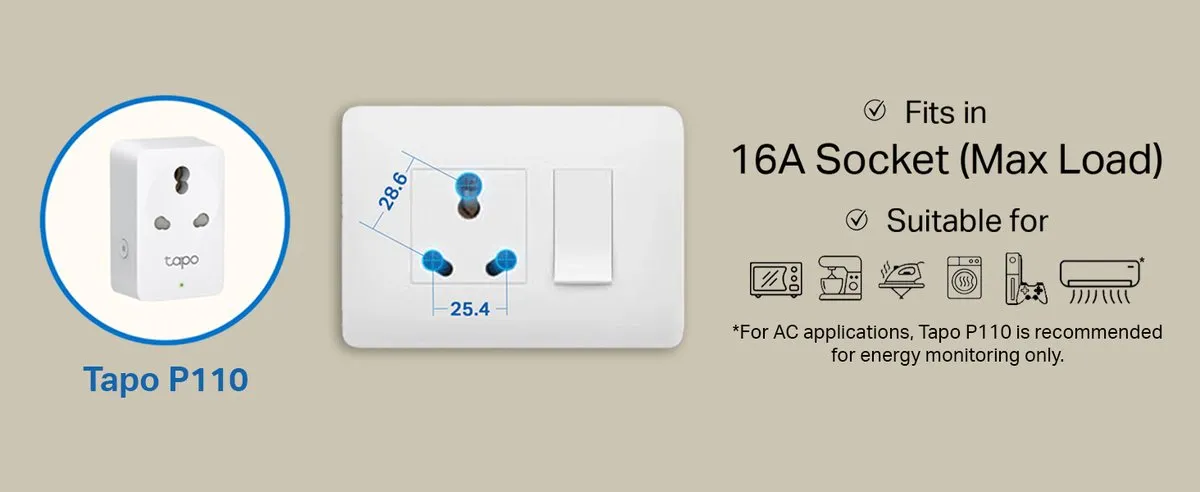
The 16A rating, and TP-Link’s note about using it with an AC.
The honest part
A smart plug doesn’t make electricity cheaper. It measures and it switches. The saving only comes from what you do with the numbers. With an AC, TP-Link itself recommends the P110 for energy monitoring only, so treat it as a meter there, not as the AC’s on-off switch. Before plugging in any heavy appliance, check its rated current against the 16A limit.